
The internet makes it easy to find information, shop online, download files, and communicate with other people. However, not every website is trustworthy. Some websites may contain misleading information, aggressive advertisements, phishing forms, malicious downloads, or other security risks. Learning how to check if a website is safe can help you protect your personal information, accounts, and devices.
You do not need advanced technical knowledge to perform a basic website safety check. A few simple checks can reveal warning signs before you enter a password, provide payment information, or download a file.
Check the Website Address Carefully
Start by looking at the website’s URL in your browser’s address bar.
Check the spelling of the domain name carefully. Fake websites sometimes use addresses that look similar to legitimate websites by changing one or two letters or adding unnecessary words.
For example, a suspicious website might use a domain that resembles the name of a well-known company while using a completely different domain.
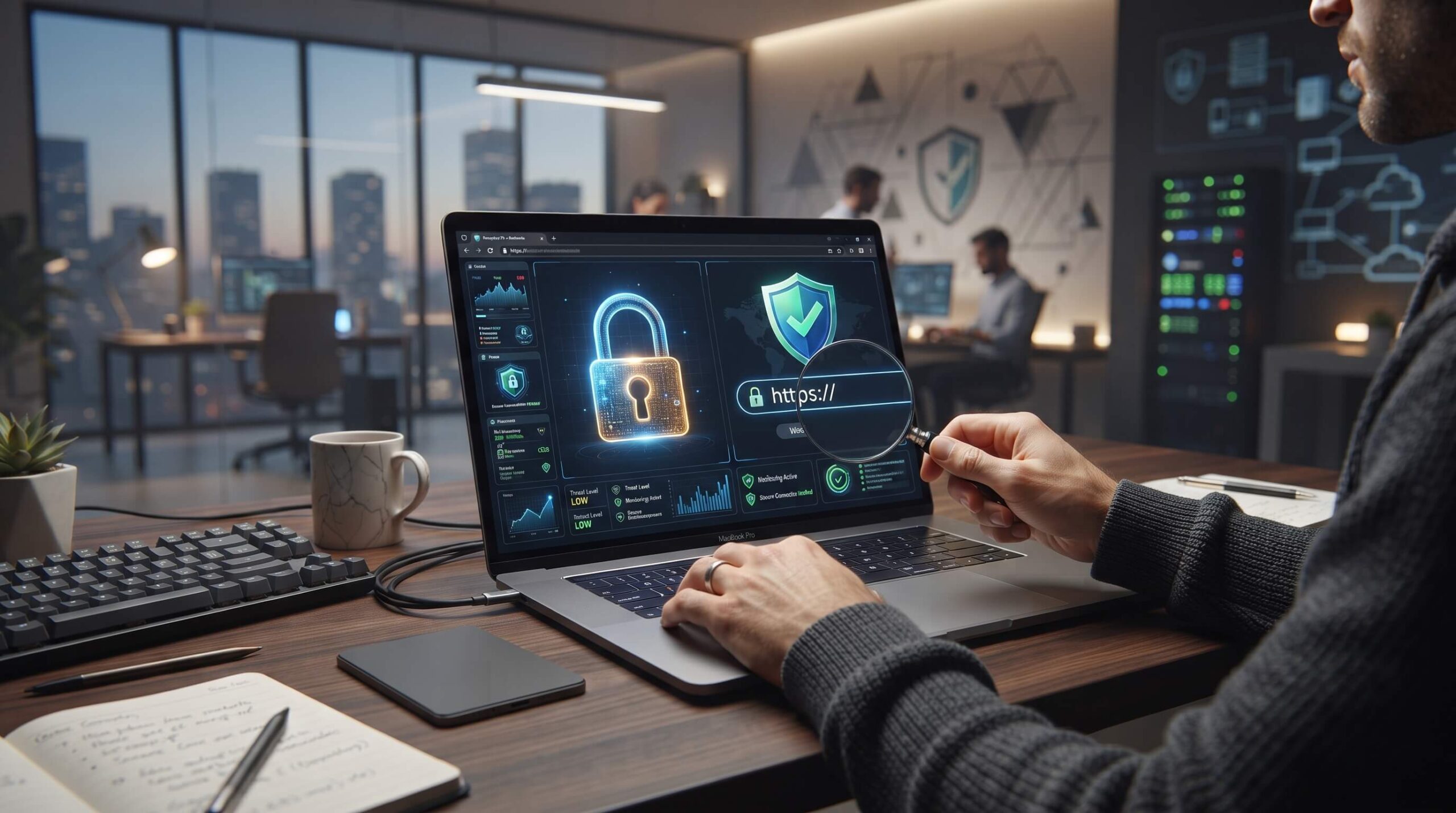
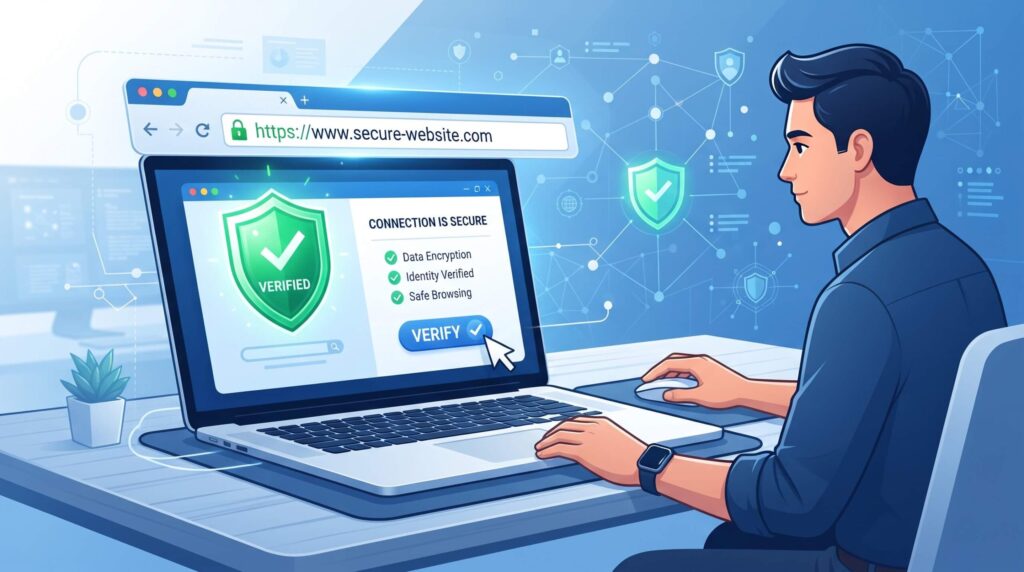
Also check whether the page uses HTTPS. HTTPS encrypts information transferred between your browser and the website, which is especially important when submitting sensitive information.
However, HTTPS alone does not prove that a website is trustworthy. Scam websites can also use HTTPS certificates.
Look for a Secure Connection
Most modern browsers display a lock or security indicator beside websites using how to check if a website is safe.
Clicking the browser’s security information can provide additional details about the connection and certificate.
A secure connection helps protect data while it travels between your browser and the website, but it does not guarantee that the website itself is legitimate.
Think of HTTPS as one safety check rather than a complete security test.
Check the Domain Name
The domain name can provide useful clues about a website’s authenticity.
Look for:
- Unusual spelling
- Extra numbers or characters
- Strange subdomains
- Suspicious domain extensions
- Domains that imitate established brands
- URLs containing unnecessary words
Be especially careful when a website claims to represent a company, bank, online store, or other organization but uses an unrelated domain.
When possible, find the organization’s official website through a trusted source rather than clicking an unexpected link.
Check Who Operates the Website
A legitimate website will usually provide information about the organization or person behind it.
Look for pages such as:
- About Us
- Contact
- Privacy Policy
- Terms and Conditions
- Company information
A missing contact page does not automatically mean a website is dangerous, but several missing or poorly written pages can be a warning sign.
Check whether the information provided appears consistent and realistic. PushWiki Com
Be Careful With Login Pages
Phishing websites often imitate login pages from popular services.
Before entering your username or password, check the domain carefully. If the address does not belong to the service you intended to use, stop and leave the page.
Never enter important account credentials simply because a website asks for them.
If you received a login link through email or a message, consider opening the service by typing its known address into your browser instead.
Check for Suspicious Pop-Ups
Unexpected pop-ups can be another warning sign.
Be cautious if a website suddenly tells you:
- Your computer is infected
- You have won a prize
- You must install software immediately
- Your account will be closed unless you act now
- You need to call a phone number for technical support
These messages can use fear or urgency to encourage users to make quick decisions.
Close suspicious pop-ups rather than following their instructions.
Avoid Unnecessary Downloads
Do not download software, browser extensions, documents, or other files from websites you do not trust.
A download that looks like a useful application could potentially contain unwanted or malicious software.
Before downloading anything, consider:
- Is the website legitimate?
- Is the download actually necessary?
- Does the file come from the official developer?
- Does the file type make sense?
- Is your security software active?
For important applications, downloading directly from the developer’s official website or a reputable app store is generally safer.
Check the Website’s Privacy Policy
A privacy policy can help you understand what information a website collects and how it may be used.
Look for details about:
- Personal information
- Cookies
- Account data
- Payment information
- Third-party services
- Data retention
- User rights
A privacy policy does not guarantee that a website is safe, but it can provide useful information about how the website handles user data.
Research the Website Before Trusting It
If you are unfamiliar with a website, search for its name independently.
Look for reliable information about the organization, service, or website. Pay attention to consistent reports rather than relying on one random review.
Be cautious with websites that have numerous complaints involving suspicious payments, fake products, phishing, or malware.
Also remember that reviews can be manipulated, so consider multiple sources before making an important decision.
Use Website Security Checking Services
Several reputable security services can help identify known risks associated with websites.
These services may check URLs against databases containing information about phishing, malware, or other threats.
They can be useful as an additional layer of verification, particularly when you receive a link from an unfamiliar source.
However, no automated scanner can guarantee that every website is completely safe. A new malicious website may not yet appear in a security database.
Check the Website’s Age Carefully
The age of a domain can sometimes provide additional context.
A recently created website is not necessarily dangerous. Many legitimate businesses and projects use new domains.
However, if a website claims to be a long-established company while its domain was created very recently, that inconsistency deserves further investigation.
Domain information should therefore be treated as a clue rather than proof.
Be Careful With Online Payments
Extra caution is necessary before making a payment.
Before entering card or financial information, verify:
- The domain is correct
- HTTPS is enabled
- The company has clear contact information
- The payment page belongs to the expected service
- The pricing is realistic
- The refund and return policies are available
Extremely low prices can sometimes be used to attract visitors to fraudulent stores.
If something feels unusually urgent or too good to be true, take additional time to investigate.
Watch for Grammar and Design Problems
Poor grammar or an outdated design does not automatically mean a website is unsafe. Small businesses and personal websites can have imperfect designs.
However, multiple warning signs together can matter.
Be cautious when a website contains:
- Many spelling mistakes
- Broken pages
- Fake-looking company logos
- Excessive pop-ups
- Repeated warnings
- Suspicious advertisements
- Poorly written policies
- Inconsistent company information
Consider the complete picture rather than judging a website from one issue.
What to Do If You Already Visited a Suspicious Website
Simply visiting a suspicious website does not necessarily mean your device has been compromised.
If you did not enter information, download anything, or install software, the risk may be lower.
If you entered a password on a suspicious website, change that password from the legitimate service immediately. If you reused the same password elsewhere, change it there too.
If you provided payment information, contact your financial institution using its official contact method and monitor your account for unusual activity.
If you downloaded a suspicious file, do not open it. Use your device’s security software to scan the file and system.
A Simple Website Safety Checklist
Before trusting an unfamiliar website, ask yourself:
- Is the URL spelled correctly?
- Does the website use HTTPS?
- Is the domain appropriate for the organization?
- Is there clear company information?
- Is there a privacy policy?
- Does the website use suspicious pop-ups?
- Is it asking for unnecessary personal information?
- Are downloads coming from a trustworthy source?
- Can you find independent information about the website?
- Does anything about the website feel unusually urgent or suspicious?
The more warning signs you find, the more cautious you should be.
Final Thoughts
Knowing how to check if a website is safe is an important internet skill. HTTPS, domain names, privacy policies, contact information, security scanners, independent research, and careful browsing habits can all help you make better decisions online.
No single check can guarantee that a website is completely safe. Instead, use several checks together. Most importantly, avoid rushing when a website asks for passwords, financial information, downloads, or other sensitive data.
Taking a few minutes to verify a website before trusting it can prevent many unnecessary security and privacy problems.
For more informative articles, technology insights, and trending digital topics, readers can also explore insightstrend, where quality content helps simplify complex subjects and keeps audiences updated on the latest developments across multiple industries.
